PromptPay for Foreigners in Thailand: Bank Apps and QR Pay
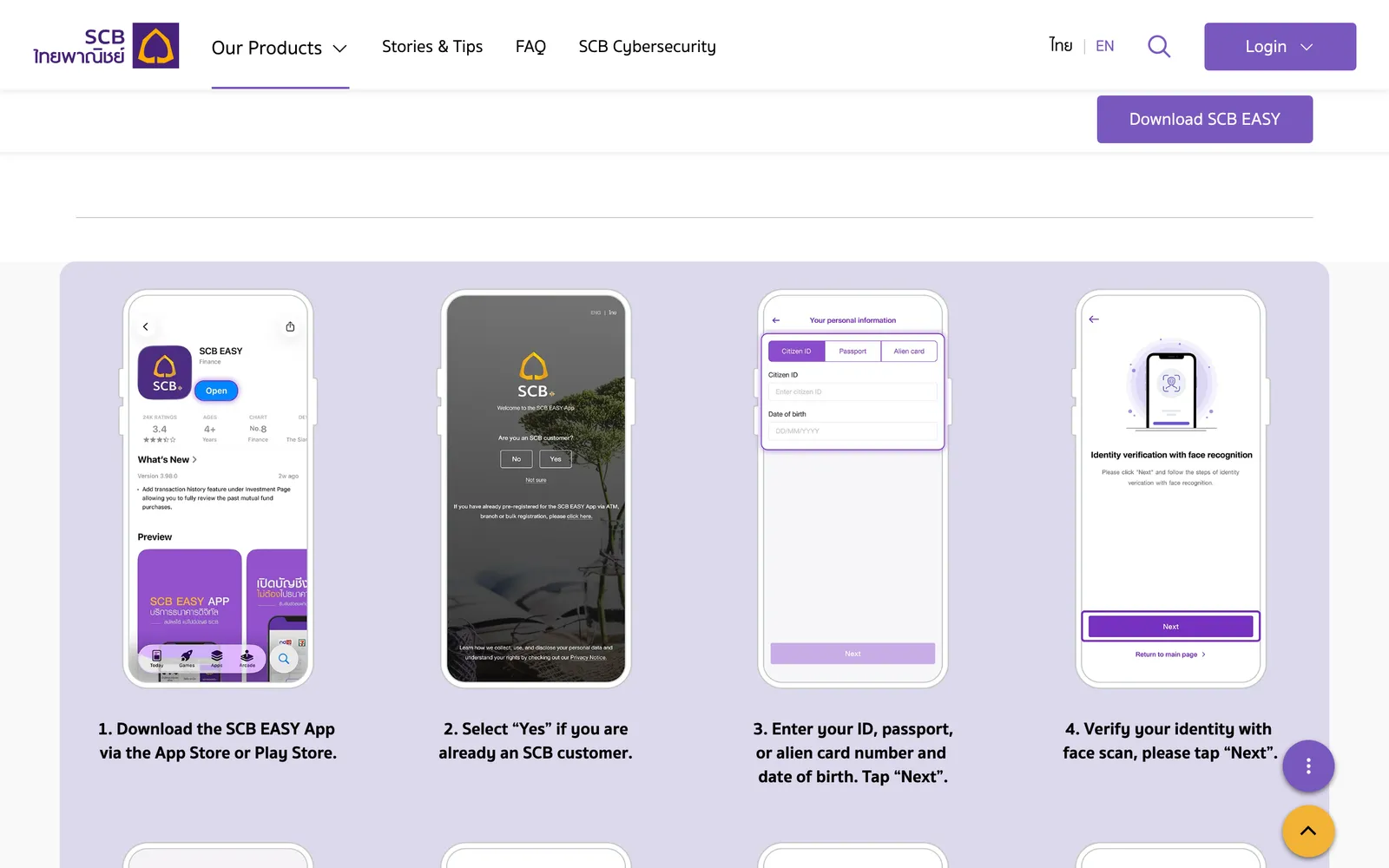
A foreigner links PromptPay to a mobile number only, never an ID number. SCB registers its app from a passport number, date of birth, face scan and one-time password. KBank wants the same passport number on the SIM and in the app. With no Thai account, TAGTHAi Easy Pay is the tourist route.
Your banking app logs you out after a SIM swap, and the QR scan at a market stall stops working. The cause is usually the SIM name, not the app.
KBank requires the same registered passport number on the SIM and in the app. A foreigner links PromptPay to a mobile number only. This page covers SCB, Krungsri, KBank and Bangkok Bank, plus a route for tourists with no Thai account.
Your visa decides before the app does. KBank and Krungsri do not open accounts for tourist visa holders.
KBank asks for a passport and a non-immigrant visa of any type. KBank also refuses Visa on Arrival, Free Visa and DTV holders. On any of those, go straight to the TAGTHAi section below.
With a long-stay visa, this is what each bank documents for a passport holder:
Bank
Passport route
Bangkok Bank
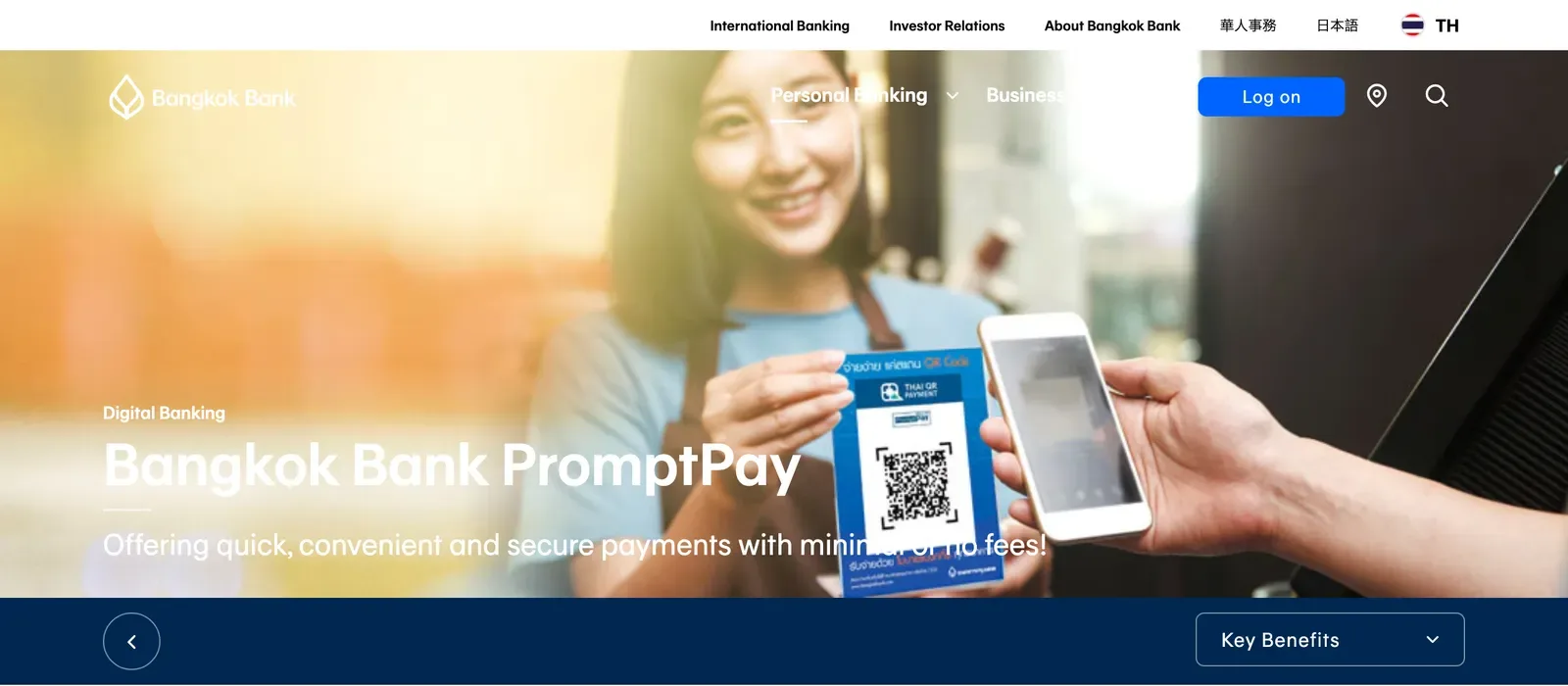
PromptPay with a passport, mobile number only. Registration is free.
Krungsri
PromptPay on a mobile number only. App transfers are free.
SCB
App registration with a passport number and a face scan.
KBank
The SIM and the app must carry the same passport number.
Try Bangkok Bank or SCB first: Bangkok Bank documents the passport route for PromptPay in terms, and SCB documents it for its app. Bangkok Bank registers only individual baht accounts; a joint or FCD account cannot be registered.
The bank account guide covers which banks open an account for your visa.
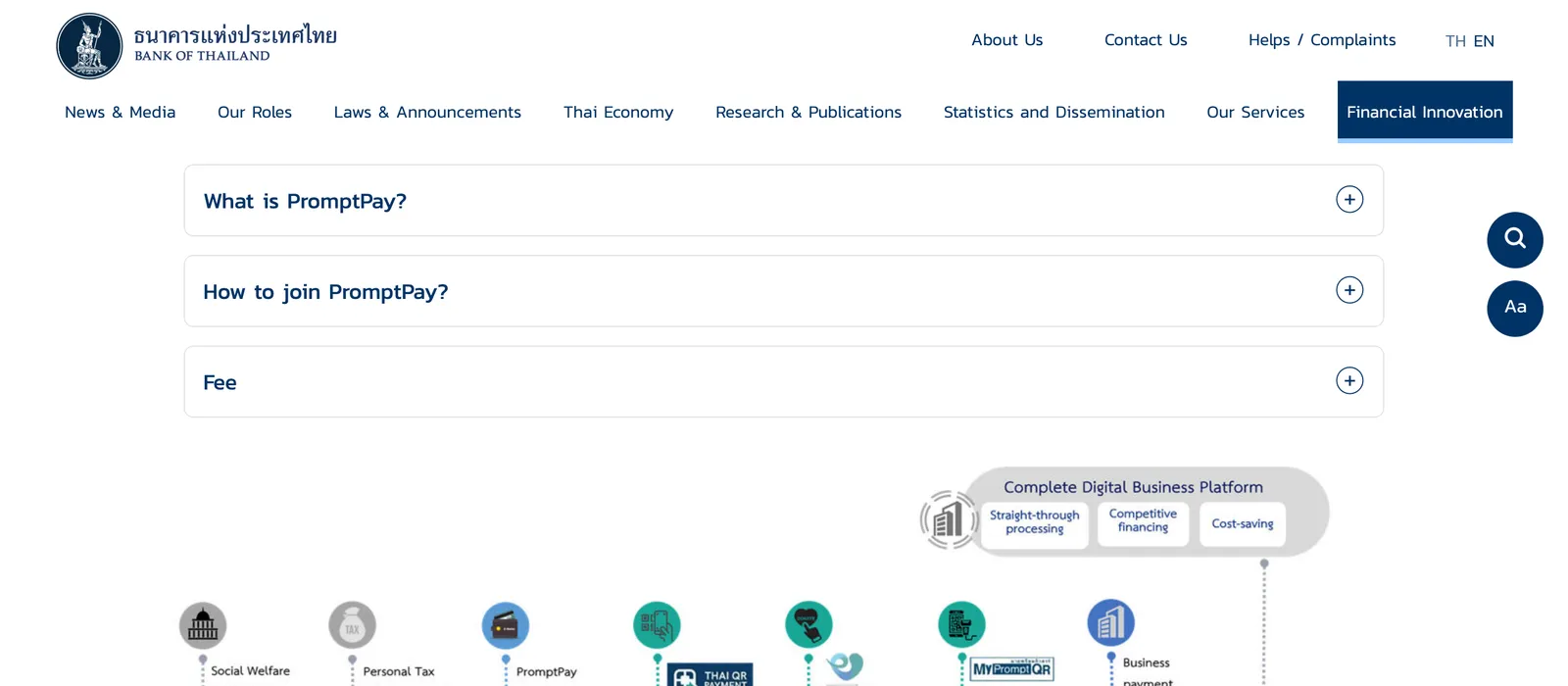
PromptPay is a payment infrastructure, live since 2016. It moves money to a citizen ID, a mobile phone number (or the recipient’s other identification number) or a bank account number. As a foreigner, you use the mobile number.
To join, you link an existing bank account through mobile banking, internet banking, an ATM or a branch.
You do not register to pay someone else’s number or ID; only the person receiving money registers.
One phone number links to only one PromptPay account.
One bank deposit account carries as many as 3 mobile phone numbers.
Cancel your current PromptPay at the other bank before you register with Krungsri.
A home phone number cannot be registered, because the bank cannot send an OTP by SMS to it.
Register the SCB EASY app with a passport
SCB Nimmanahaeminda 19 Nimmanahaeminda Road Nimmanhaemin Suthep, Mueang Chiang Mai District, Chiang Mai 50000, Thailand · Open in Google Maps (opens in a new tab)
You can register by facial recognition, at a branch, in the app or through the LINE OA SCB Connect. The two covered here are the app with a face scan and the branch.
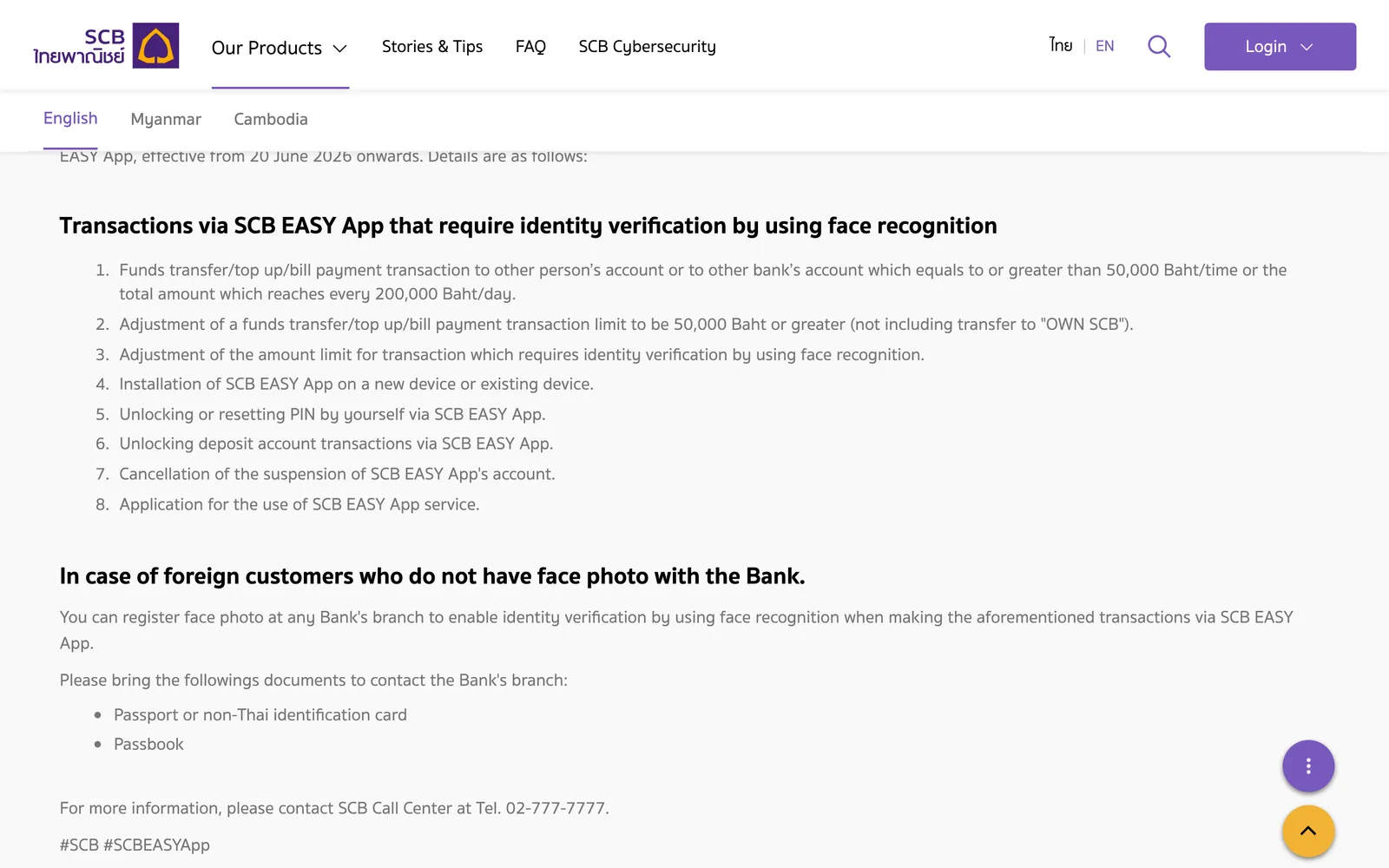
Foreign customers face a face check from 20 June 2026. It applies to a transfer, top-up or bill payment to another person’s or another bank’s account. The trigger is 50,000 baht per time or more, or a total of 200,000 baht per day. Installing the app on a new or existing device needs it too.
A foreign customer with no face photo on file can register one at any SCB branch. Bring a passport or non-Thai identification card, and the passbook.
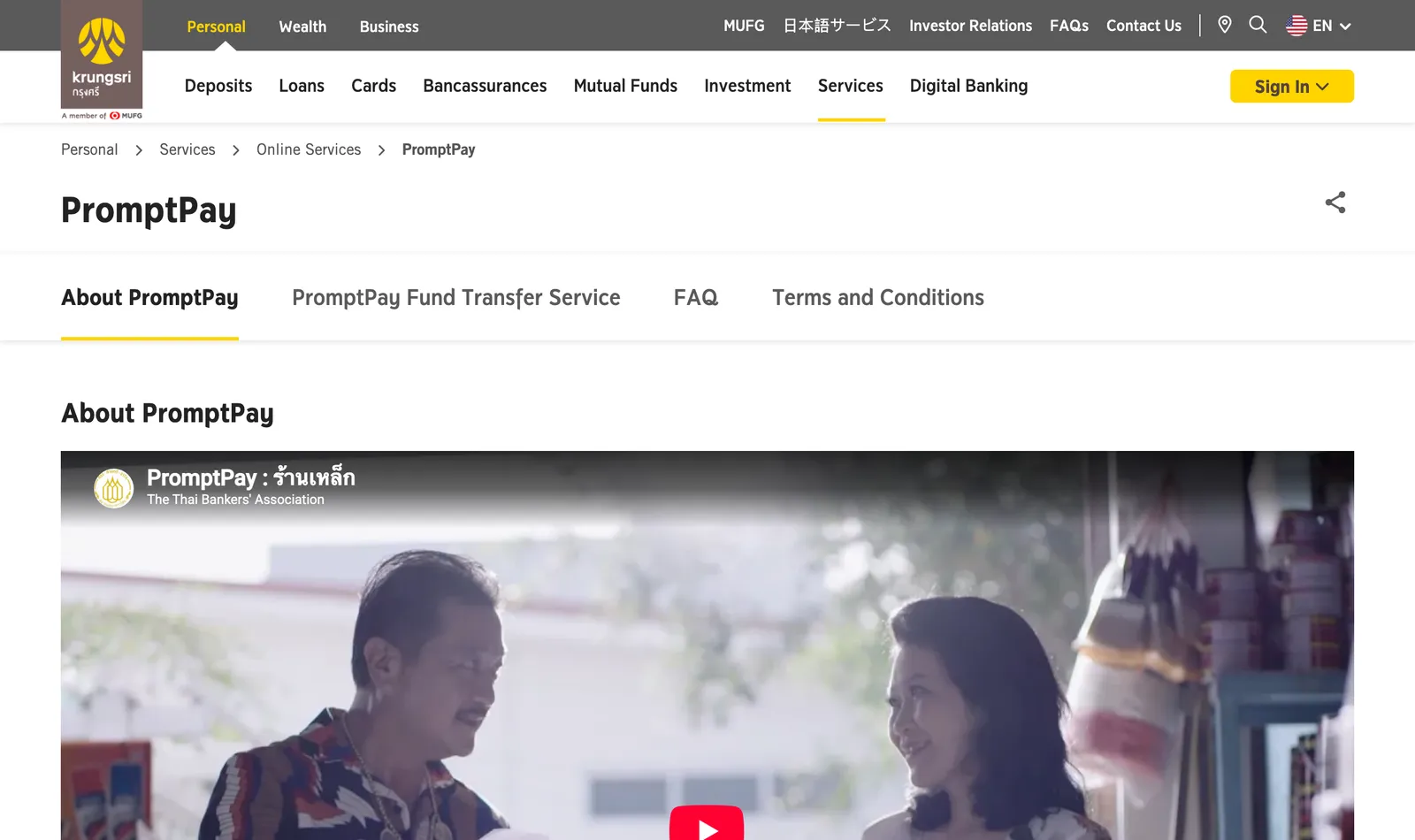
Krungsri links a savings or current account to PromptPay through the Krungsri ATM, the krungsri app, Krungsri Biz Online or a branch.
For a foreigner the rule is short: non-Thai individuals can only link their account with a mobile phone number. One mobile phone number links with only one account.
PromptPay transfers in the krungsri app cost nothing. The limit is THB 500,000 a day and per transaction. Extend it up to THB 2,000,000 per day in the app.
Keep the app working: the SIM must match your passport
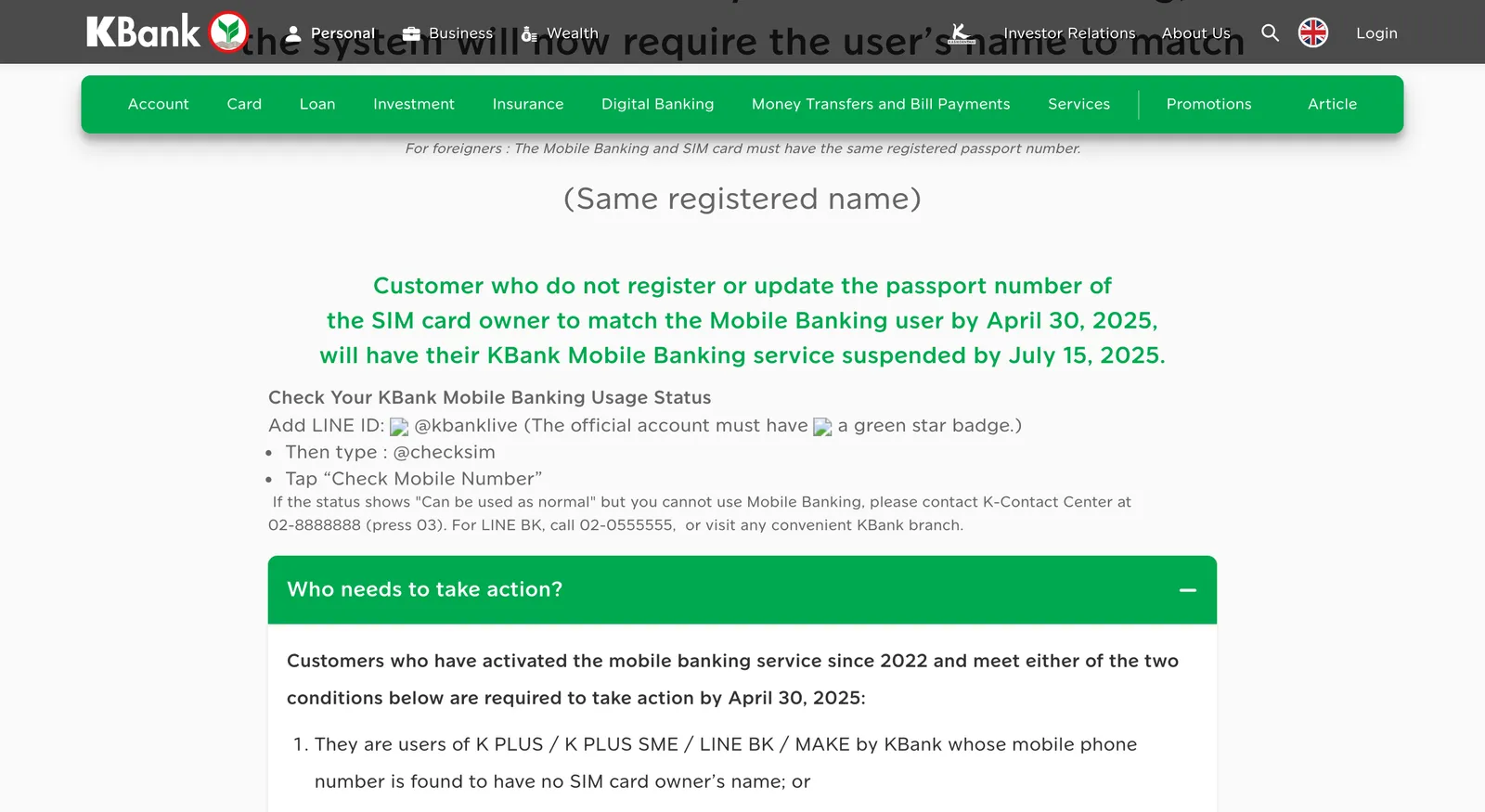
For foreigners, the KBank Mobile Banking and the SIM card must have the same registered passport number. A foreign customer whose SIM owner name does not match the K PLUS user has to act.
The notice set 30 April 2025 for the update and 15 July 2025 for suspension. Krungsri’s notice of 14 June 2025 asked for the same match. Customers who got no notification do nothing. If you set up the app after those dates, register the SIM under your passport before you start.
Check where you stand: add the KBank LINE account, type @checksim and tap “Check Mobile Number”. If the status reads normal but the app still fails, call K-Contact Center on 02-8888888 and press 03.
If KBank suspended your service, you have two ways to continue:
Contact your mobile network service center and register the SIM card owner with your latest passport number.
Change the mobile number linked to your KBank Mobile Banking account.
After either step, visit a nearby KBank branch in person with the required documents. A foreigner brings a passport or alien certificate and a tax invoice, phone bill receipt or phone bill as proof of SIM ownership. For a prepaid SIM, request the tax invoice at your mobile network service center.
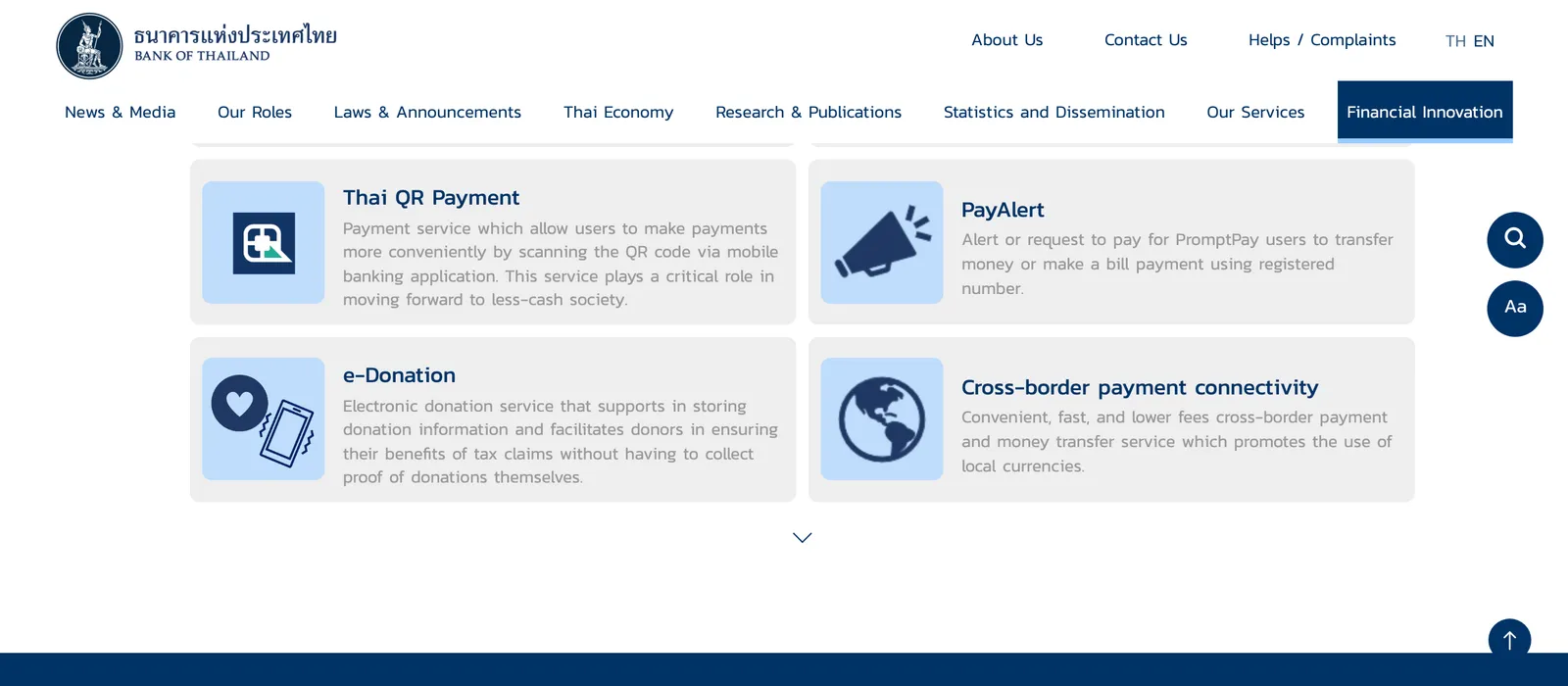
Thai QR Payment means paying by scanning a QR code through a mobile banking application. Bills use the same scan. The utility bills guide covers the electricity and water routes.
To send money to a number in the krungsri app:
Select the channel for the transfer.
Select the transfer menu, then PromptPay transfer.
Enter the payee’s PromptPay number: citizen ID, mobile number or tax ID.
Check the payee’s name before you confirm, every time.
A number receives PromptPay money only if it is registered for PromptPay first. With only an account number, use an interbank transfer at 25/35 baht per transaction.
Limits and fees
The Bank of Thailand publishes the standard fee table, and most banks have waived digital-payment fees since 2018. On the krungsri app and Bangkok Bank’s Mobile Banking a PromptPay transfer costs nothing, so the 2, 5 and 10 baht steps below only matter where your bank still charges.
Amount per transaction
Standard fee
Not exceeding THB 5,000
Free
Above THB 5,000 to 30,000
Under 2 baht
Above THB 30,000 to 100,000
Under 5 baht
Above THB 100,000 to the bank’s maximum
Under 10 baht
Bank-specific figures:
Krungsri app: THB 500,000 a day and per transaction, extendable to THB 2,000,000 a day.
SCB: face check for foreign customers at 50,000 baht per time or 200,000 baht per day.
TAGTHAi Easy Pay: top-up THB 25,000 per transaction and THB 50,000 a month.
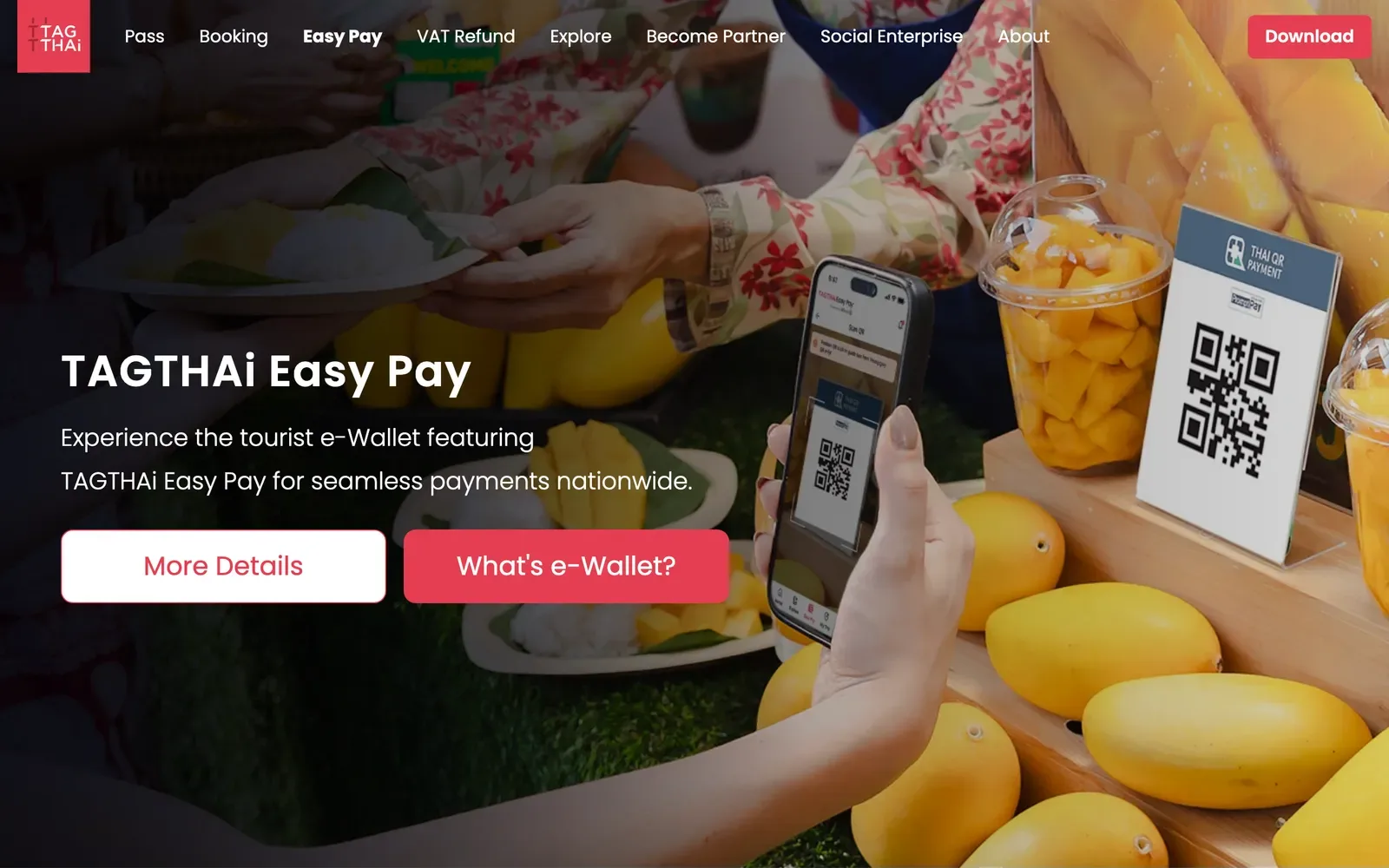
TAGTHAi Easy Pay is a tourist e-wallet in the TAGTHAi app for Thai QR (PromptPay) payments. It is for non-Thai nationals aged 20 or older, one wallet per person, with a passport.
Pre-register in the TAGTHAi app within 30 days before you activate the wallet.
Go to a KBank foreign exchange booth with your passport and foreign currency. You apply and verify your identity in person.
Link the wallet in the app with your passport information and the 16-digit Wallet ID from the booth receipt.
To pay, open “Scan & Pay”, scan the merchant’s Thai QR Payment code, enter the amount and confirm with your PIN.
Top up with cash at a KBank FX counter only; bank transfer and QR do not work. Thai baht cannot be added, so bring foreign currency. The PAY&TOUR card cannot be used for online transactions or linked to shopping apps.
The wallet first ran on a KBank PAY&TOUR prepaid card; from August 2026 the physical card is no longer required. The wallet is free of charge, with no application or card fees. The free period was due to end on 31 December 2025. Ask at the booth what you will pay.
Cash comes out at KBank ATMs up to THB 10,000 per transaction per month; the March 2025 TAT notice said per day. Plan on the stricter monthly figure. Use the Cardless Withdrawal option at the ATM.
A refund at the booth is based on the wallet balance. A same-rate buyback of leftover money has limits: the amount is capped at 10% and the request comes within 15 days of the first top-up.
Wrong PromptPay number: call Center 1572 or go to a Krungsri branch to coordinate with the payee. The result comes within 15 business days for the same bank and 20 business days for interbank transfers.
Money left your account but did not arrive: call Center 1572 or go to a branch. Krungsri checks and informs you within 3 business days for PromptPay.
Money from a stranger: do not send it back alone, as this may be a scam.
Unresolved complaint: the Bank of Thailand telephone number is 1213.
1Choose a bank that accepts your visaKBank and Krungsri do not open accounts for tourist visa holders, and KBank asks for a passport plus a non-immigrant visa.
2Register the bank appAt SCB, enter your passport number and date of birth, pass the face scan and enter the OTP, or go to a branch with your passbook and identity document.
3Link PromptPay to your mobile numberA non-Thai holder links a mobile number only, and one number links to one account.
4Keep the SIM in your passport nameKBank requires the same registered passport number on the SIM and in the app.
5Send or paySelect the transfer menu, then PromptPay transfer, enter the payee's number and check the payee's name before confirming.
Not confirmed: KBank's K PLUS steps for a passport holder are unconfirmed: ask the officer to register K PLUS and PromptPay in the same visit that opens the account. Krungsri's app registration has an ID card step and no passport option: ask a branch to register you.
Yes, with a passport at a bank that accepts your visa. You link a mobile phone number only, never an ID number.
Can I use a passport to register the SCB EASY app?
Yes. SCB's app steps ask for an ID, passport or alien card number and date of birth, then a face scan. At a branch you present your passbook and an identity document.
Why did my banking app stop working after I changed SIM?
KBank needs the same registered passport number on the SIM and in the app. Krungsri sent non-Thai users to a mobile operator with a passport to update the SIM holder's name. Check your KBank status in LINE: add the KBank account and type @checksim.
How do I fix a KBank app that was suspended over the SIM name?
Register the SIM owner under your latest passport number at your mobile network service center, or change the linked mobile number. Then visit a KBank branch in person with the documents.
Is PromptPay free for foreigners?
Registration at Bangkok Bank is free, and transfers in its Mobile Banking are free. Transfers in the krungsri app are free for all transactions. The standard Bank of Thailand table makes a transaction up to THB 5,000 free and charges under 2 baht above THB 5,000 up to 30,000.
What if I send money to the wrong PromptPay number?
Call Center 1572 or go to a Krungsri branch, and the bank coordinates with the payee. The result comes within 15 business days for the same bank and 20 for interbank.
Can a tourist without a Thai bank account pay by Thai QR?
Yes, with TAGTHAi Easy Pay. Apply in person at a KBank foreign exchange booth with your passport and foreign currency. Then link the wallet in the app with your passport number and the 16-digit Wallet ID. You must be 20 or older.
Can a tourist on a tourist visa open a KBank or Krungsri account?
No. Neither bank opens accounts for tourist visa holders, and KBank also excludes Visa on Arrival, Free Visa and the DTV. Use TAGTHAi Easy Pay instead.
Can I register a home phone number for PromptPay?
No. The bank cannot send an OTP by SMS to a home phone.
General information checked against the sources listed above, not legal advice for your situation. Rules and office practice change; confirm with the immigration office or a licensed adviser before you act. See how guides are checked.